Websites
Website development in 2026: what actually changed
Three things moved this year, and only one of them is the one everybody talks about.

Every January a fresh list of web development trends appears, and most of it is last year's list with the dates changed. A few things did genuinely move in 2026, and they are worth separating from the noise. If you are paying for a website this year, three of them affect what you should get and what it should cost.
1. AI writes the first draft, and review became the real work
This is the change everyone discusses, usually in the wrong terms. Coding agents are genuinely good now at the middle of the job: scaffolding a page, wiring up a form, writing the tests, turning a design into markup. On our own work they take hours off tasks that used to take days.
What they have not removed is judgement. An agent will happily produce code that works on the obvious path and falls over on the second one, and it will produce a lot of it quickly. So the bottleneck moved rather than disappeared. The expensive part of building a site in 2026 is not typing the code. It is deciding what to build and reviewing what came back.
As the person paying for it, you get two practical consequences. Delivery should be faster than it was three years ago, so be sceptical of anyone quoting old timelines for routine work. But a very cheap quote now often means nobody is reviewing the output, and you meet that decision later as a security incident or a rewrite. Ask who reads the code before it ships.
2. Answer engines read your site before people do
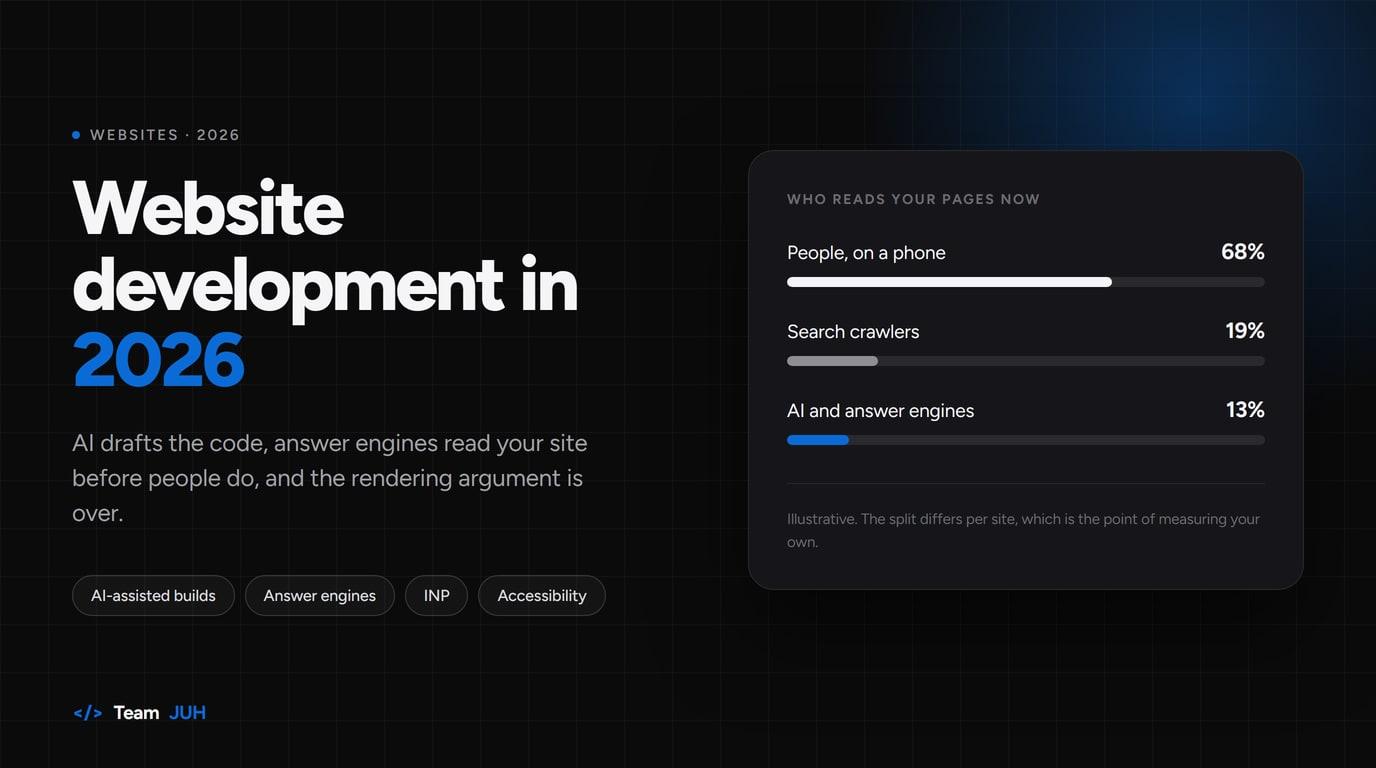
Direct traffic from ChatGPT, Gemini, Perplexity and the rest is still small. Published analyses put it under 1% of visits for most sites, and they disagree enough with each other that you should measure your own rather than trust anyone's chart. What is not small is the crawling. A study of more than a thousand sites found almost all of them being crawled by AI bots, while fewer than half ever saw a referral come back.
Your site is now read mostly in order to be summarised, and the summary is what many people see instead of your page. That changes what good content looks like. Answer the question in the first paragraph instead of building up to it. Keep facts, prices and service descriptions in plain text rather than images and PDFs. Make sure the same claims appear in your structured data, so a machine reading the page arrives at the answer a human would.
It also turns something automatic into a decision. You now choose, crawler by crawler, what robots.txt allows. Blocking everything keeps you out of answers people are already asking for. Allowing everything means being quoted without the click. Most of the businesses we work with allow it and accept the trade, on the grounds that being absent from the answer is worse than being summarised in it. The point is that it is a choice, and somebody should make it on purpose.
Worth checking this month
- Split AI referrers out in your analytics, so you can see the trend at all.
- Ask an AI assistant what your business does, and check whether the answer is right.
- Confirm your prices and service pages are text, not pictures of text.
- Read your own robots.txt and decide whether it still says what you want.
3. The rendering argument is over
For about a decade the industry argued about where pages should be built. It has settled into a boring consensus: render on the server, send the browser as little JavaScript as the page actually needs, and add interactivity only where there is something to interact with.
In practice that makes a content site built as a heavy single-page app a mistake rather than a style choice. Next.js, Astro, SvelteKit and Nuxt all land in roughly the same place, and for a marketing site the choice between them matters far less than whether the build ships 80KB of JavaScript or 800KB. TypeScript stopped being a talking point too. It is simply how projects are written now.
WordPress has not gone anywhere either, and this is where a lot of agency advice gets dishonest. If your site is content plus a contact form, WordPress on a lean theme is still a sensible, cheap, well-understood answer, provided somebody keeps it patched. What changed is that page builders stacking plugin on plugin now cost you visibly in the speed metrics that feed rankings. We cover the upkeep side of that in our webmaster plans, and the security side in the post about the plugin that cost us 15 months.
The metric that actually bites: INP
Google's responsiveness metric has been Interaction to Next Paint since 2024, and it catches a different fault than the one it replaced. Largest Contentful Paint measures how fast the page appears. INP measures whether the page answers when somebody taps it. A site can look fast and still fail, because the main thread is busy with analytics, a chat widget and a consent banner while your visitor jabs at a menu that will not open.
In our audits this is now the most common real problem, and it is almost always third-party scripts rather than the site itself. Every tool a marketing team adds costs some responsiveness. That is a fair trade when the tool earns its place, and a bad one when nobody remembers why it was installed.
"Most slow sites in 2026 are not badly built. They were well built, then had six years of tags bolted on."
Accessibility stopped being optional
The European Accessibility Act's requirements came into force in June 2025, and they reach businesses selling into the EU wherever those businesses are based. Comparable pressure exists in the US through the ADA and in the UK through the Equality Act. Whatever your market, the realistic position now is that an inaccessible site is a liability rather than a missed nicety.
The good news is that most of the work is unglamorous and cheap when done while building: real contrast, labels on form fields, keyboard navigation that works, headings in order, alt text that says something. Retrofitting it onto a finished site costs several times more, which is the only argument you need for putting it in the brief.
What we would skip
A few things on this year's trend lists we would not spend your budget on. A chatbot on a five-page brochure site, where a phone number does the job better. Heavy scroll animation, which looks expensive in a demo and costs you INP in the field. Rebuilding a working WordPress site in a JavaScript framework purely because the framework is newer. And blockchain or Web3 features, which have been on these lists for seven years without arriving.
Where to start
If you do one thing after reading this, measure your current site before you change it: Core Web Vitals from real visitors, which scripts load and why, and whether AI assistants describe your business correctly. Nearly every expensive mistake we get asked to fix started with a redesign that was decided before anyone looked at the numbers.
If you want a second pair of eyes on that, we do a free site audit covering speed, SEO and accessibility, and we will tell you if the right answer is to leave your site alone.

Founder of Team JUH. Building websites, web apps and AI features for clients around the world since 2017, and writing up what the work teaches us.
Hami on LinkedIn