Security
The free plugin that cost us 15 months
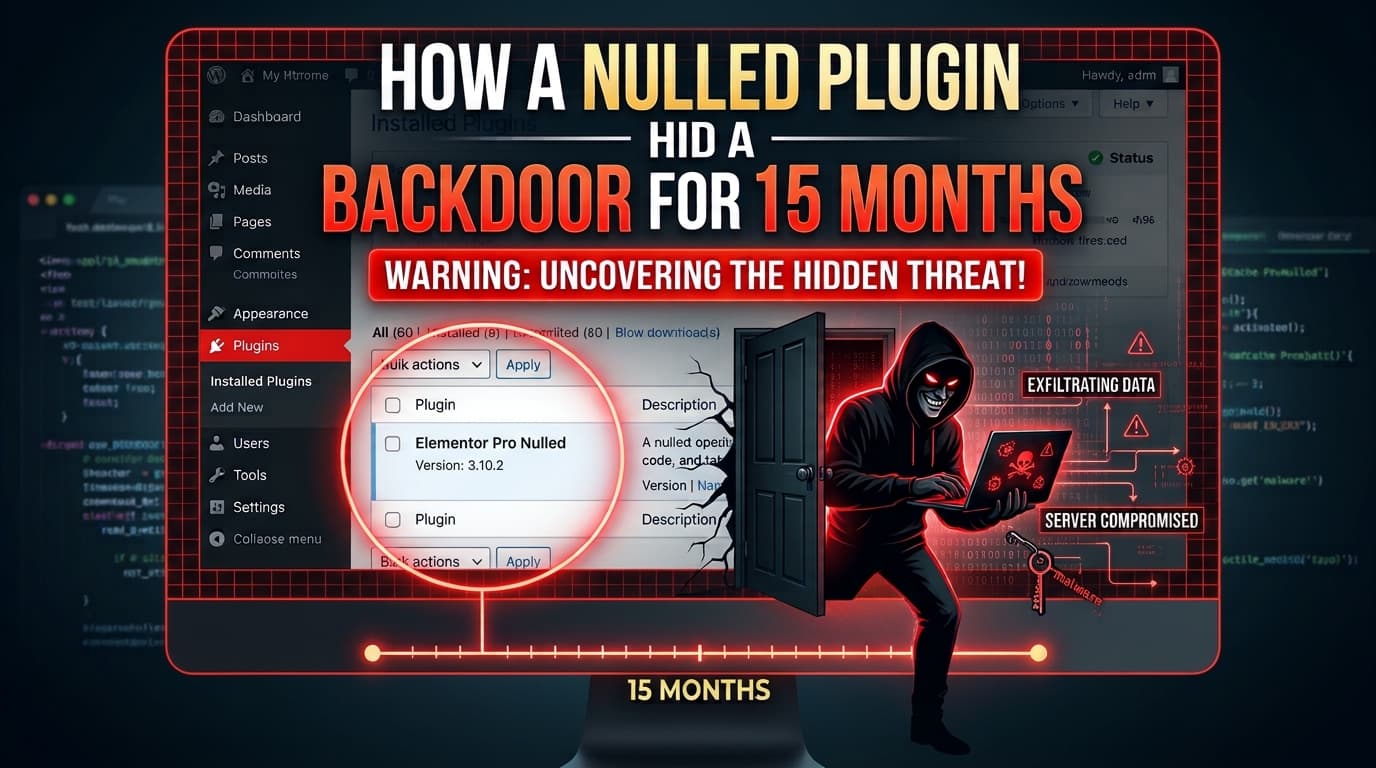
A nulled copy of Elementor Pro hid a full web shell across our WordPress sites. Nobody broke in. The backdoor walked through the front door, inside a plugin zip.
We build and secure WordPress sites for a living. In October 2026 we found ten spam links hidden in the footer of a client's homepage, and they had been there for months.
Nobody had noticed. Not the client, not their visitors, not their team. The page looked perfect. Tracing those links back took us through a fake cache plugin, a self-spreading script, infected backups, a forgotten staging site, and finally a full web shell hidden inside a pirated copy of Elementor Pro, installed 15 months earlier by one of our interns.
This is the full story, the evidence, and the checklist we now use on every site. If you run WordPress, especially more than one site on a single hosting account, it is worth ten minutes of your time.
Invisible to us, perfectly visible to Google
The spam sat in plain HTML at the very bottom of the homepage, after the theme footer had closed. It was a list of ten links to GitHub pages selling “receive SMS online” numbers, plus one for automatic screen printing machines.
The trick was one line of CSS:
<ul style="position: absolute; top: 0; left: -9000px;">That pushes the list 9000 pixels off the left edge of the screen. A visitor sees nothing. A search engine crawler reads every link. When we first flagged it, the honest reaction was “there are no spam links”, because in the browser there weren't. Only view-source: or a curl of the page showed them.

view-source:. The spam list starts right after the closing </footer>, pushed 9000px off screen so only crawlers ever read it.This is the whole business model. Thousands of hacked sites each carry a few hidden links, and together they push the spammer's pages up in search results. Your site's reputation is the product being sold.
The hunt: three dead ends and one honest check
Our first searches all came back empty, and each dead end taught us something.
- The database. A
LIKE '%receive-sms%'search acrosswp_optionsreturned zero rows. Later we learned why: the links were stored base64-encoded inside a serialized object, so plain-text search could never match. - Code Snippets. The site had the Code Snippets plugin, which runs PHP stored in its own
wp_snippetstable. A classic hiding spot, but every snippet was ours. - Guessing by file name. We flagged
wp-includes/view-config.phpas suspicious. It turned out to be a legitimate newer WordPress core file. Guessing from names wastes time.
What worked was letting WordPress verify itself:
wp core verify-checksumsIt compares every core file against the official release. The result was one line that broke the case open:
Warning: File should not exist: wp-cache.phpA file called wp-cache.php in the WordPress root sounds like it belongs to a caching plugin, so people skip it. Real cache plugins never put a file there.
The injector: a fake cache file in mu-plugins
The code that printed the links lived in wp-content/mu-plugins/bridge-core.php. Must-use plugins load on every request, need no activation, and do not appear in the normal Plugins screen. wp plugin verify-checksums does not check them either.
Most of the file was copied from the old WP Super Cache plugin, so a quick skim looked harmless. The real logic was short:
- Front page only. It hooks
wp_footer, but only whenis_front_page()is true, so inner pages stay clean. - Remote control. The attacker's URL is stored in an option named
wp_cache_slug_address, shaped to look like WordPress's own plugin-update data. Every 6 hours the site fetches fresh HTML from that URL and caches it in a transient calledplugin_bridge_meta. - No login required. Anyone visiting
/?wp_cache_slug_key=<anything>could overwrite the homepage footer HTML permanently. Today it held spam links. Tomorrow it could have held a card skimmer on a WooCommerce checkout or a script that steals an admin's session.
“A spam injector with an open write endpoint is one step away from far worse.”
The spreader, and why one site is never just one site
The wp-cache.php in the root was not the injector. It was a spreader, with comments written in Russian. When opened in a browser, it climbs to the highest folder it can read, which on shared hosting is the entire account. It then finds every wp-content folder and copies the payload into each one.
That is exactly what we found. A second site on the same hosting account carried the same bridge-core.php, and its attacker option had last checked in on 18 August 2025. That site had been serving hidden spam for about 14 months.
Then the timestamps started telling a story. Copies of the spreader sat inside the unused default themes (Twenty Twenty-Two through Twenty Twenty-Five) on three different sites. On each site, all copies carried the same minute. A person uploading files by hand does not do that. Something automated was moving the infection around.
The lesson: on shared hosting, every site runs as the same user. One infected site can write to all the others.
Backups don't save you if they're infected
When we grouped the changed files by folder, the newest drop explained itself. A temporary Hostinger staging domain had every file stamped 8 July 2026 at 20:48. It had not been attacked. It had been created that minute by restoring UpdraftPlus backups of an older site in the same account, and the malware came along inside the themes backup.
The client's main site told the same story. Its April 2026 backups contained bridge-core.php and the spreader, both dated 5 February 2026. That date was a full site migration, not an attack. The infection was already in the site being moved.
| Date | What happened |
|---|---|
| 18 Jul 2025 | Nulled Elementor Pro installed on an older site, with a web shell inside |
| 18 Aug 2025 | A second site on the same account infected with the spam injector |
| 5 Feb 2026 | Client's main site migrated, already carrying the injector |
| 2 Apr 2026 | Main site restored from UpdraftPlus backups that contained the malware |
| 8 Jul 2026 | Staging site restored from infected backups, putting the shell back online |
| Oct 2026 | Hidden links discovered, all sites and backups cleaned |
We scanned every backup zip on the account. Four backup sets contained malware. Restoring any of them would have reinfected a clean site within minutes.
The real backdoor: a file manager hidden inside Elementor Pro
The spreader is 5,649 bytes. Inside that older site's backups we found files with the same name, wp-cache.php, weighing 225,310 bytes, forty times larger. One more copy sat at plugins/elementor-pro/core/utils/cache-manager.php, the exact same size.
It was Tiny File Manager, a legitimate open-source tool, modified for attack:
- The login settings were removed, so anyone with the URL got in.
- It climbed to the top of the hosting account, giving browser access to every site: view, edit, upload, delete.
- It could read every
wp-config.php, which means every database password on the account.
The smoking gun was the backup listing. The entire elementor-pro folder, license file and vendor libraries included, carried one timestamp: 18 July 2025, 12:59. The shell was inside that folder, and its theme copies appeared in the same minute.
Nobody broke in. The backdoor walked through the front door, inside a plugin zip uploaded through the WordPress installer. In our case we know exactly how. An intern working on that site, short on time, downloaded Elementor Pro from a “GPL” site instead of using the licensed account. That single shortcut went against our policy, and it is the root of everything in this post.
Why nulled plugins are the perfect Trojan horse
A nulled plugin is a paid plugin with its license check removed and redistributed for free. Premium WordPress plugins are GPL-licensed, so redistribution itself can be legal. The danger is that you have no idea who touched the code before you.
From an attacker's view, it is an ideal delivery method:
- You install it yourself. No exploit, no brute force, no alarms. You give it full admin trust.
- It hides in thousands of files. Elementor Pro ships with deep vendor folders, and one extra
cache-manager.phpamong them looks completely normal. - Scanners can't verify it.
wp plugin verify-checksumsskips premium plugins because they are not on wordpress.org. Ours was simply “skipped”. - It never updates. Without a valid license, the plugin stays on the infected version forever, and so does the backdoor.
The saving is a yearly license fee. The cost, in our case, was 15 months of hidden spam across multiple sites, a public file manager over every site on the account, and every database password exposed.
What it does to your Google rankings and your clients
Hidden links and hacked content both run against Google's spam policies. For the site carrying them, the risks stack up quietly:
- Rankings. Outbound links to spam pages from your homepage tell search engines your site is part of a link scheme. That can drag down rankings, and a manual action can remove pages from results entirely.
- Security warnings. If Google's systems flag the site as hacked, searchers may see a “This site may be hacked” label, and browsers can show a warning page. Traffic falls off a cliff overnight.
- Trust. For medical, legal and e-commerce clients, a compromise is not just an SEO problem. It is patient enquiries, payment pages and admin sessions sitting one script away from an attacker.
Hidden spam can sit for months before Google acts, so a clean-looking ranking report proves nothing. If you find hidden links, check Google Search Console's Security issues and Manual actions reports after cleaning, and request a review if anything is listed.
What we do differently now
Our security protocol already banned nulled plugins. The gap was enforcement: an intern had admin access and a deadline. These are the controls we now apply to every client site.
- Lock down who can install plugins. Interns and junior staff get no plugin-install rights. Every premium plugin comes from a licensed account and is logged in a plugin register. No “GPL club” downloads, ever.
- Scan backups before restoring them. A backup is a snapshot of whatever was on the site, malware included. List the zip contents first.
- Delete staging and test sites when the work ends. Ours hosted a live, unauthenticated file manager for three months.
- Separate client sites. One hosting account means one shared blast radius. Use separate accounts or isolated users for client work.
- Verify, don't eyeball. Run
wp core verify-checksums, checkmu-pluginsby hand, and search by content and file size, not by name. - Watch
view-source, not just the page. A monthlycurlof each homepage, grepped for unknown outbound links, would have caught this in days. - Treat the cause, not the symptom. Hiding the links with a snippet would have left the file manager online.
- Rotate everything after a find. Database passwords, salts, hosting, FTP and SSH credentials, plus 2FA on the hosting account.
Check your own site in five minutes
If any of these appear on your server, treat the site as compromised.
| Indicator | Where we found it | What it is |
|---|---|---|
wp-cache.php in the WordPress root or in theme folders | Root, unused default themes, Astra | Spreader (about 5.6 KB) or web shell (about 220 KB) |
wp-content/mu-plugins/bridge-core.php | mu-plugins | Remote-controlled spam injector |
elementor-pro/core/utils/cache-manager.php of 225,310 bytes | Elementor Pro | Tiny File Manager web shell |
Option wp_cache_slug_address | wp_options | Base64 URL of the attacker's link server |
Transient plugin_bridge_meta | wp_options | Cached spam HTML |
Folders named cfiles | Root or wp-content | Spreader staging folder |
Over SSH, from your WordPress root:
wp core verify-checksums
find . -name "wp-cache.php" -o -name "bridge-core.php" -o -type d -name "cfiles"
grep -rlE "Tiny Manager|TFM version|wp_cache_slug|plugin_bridge_meta" --include=*.php .
wp option get wp_cache_slug_address
curl -s "https://yoursite.com/?nc=$RANDOM" | grep -c "9000px"
A clean site verifies its checksums, returns nothing from find and grep, has no such option, and prints 0 for the last command. Run the find from your home folder instead of the site root if you host several sites on one account.
The moral
The most dangerous problems are the ones that look like they belong there. A cache file, a cache manager, a must-use plugin, a staging site nobody remembered. Every disguise worked because it looked ordinary.
One pirated plugin, installed once, travelled through backups, migrations and staging copies for 15 months. Saving on a license fee is never worth handing a stranger the keys to every site you host.
We share this openly because the fix is cheap and the damage is not. If you want a second pair of eyes on your WordPress sites, TeamJUH runs security audits and cleanups for agencies and businesses. Get in touch.
We build the technology behind our clients' next stage of growth — AI integrations, custom web apps and high-performance websites — for businesses around the world.