Security
Critical PHP flaws put millions of websites at risk
Two flaws rated 9.2 let an attacker run code on an unpatched server without logging in. If your site runs WordPress or WooCommerce, this affects you. Here is what to do now.
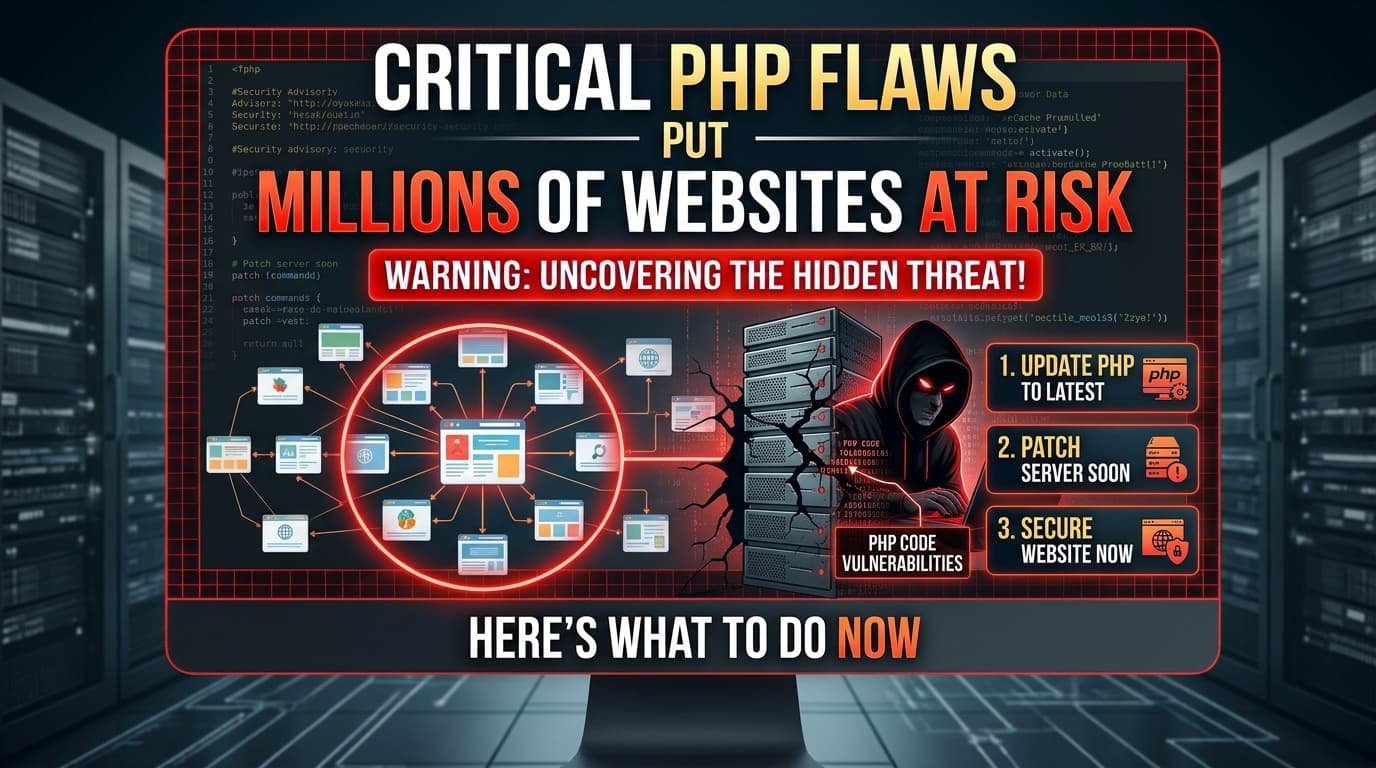
On 21 October 2026, the PHP team released an emergency security update for two critical vulnerabilities, CVE-2026-109618 and CVE-2026-109619, now known as “PHP2Shell”. Security researchers are calling them some of the most severe flaws ever found in PHP, the language behind WordPress, WooCommerce, Magento and much of the web.
What happened?
Both flaws are rated 9.2 (Critical) and allow an attacker to run code on a web server without logging in. In plain terms, a hacker could take control of an unpatched website remotely.
Details leaked a day before the official fix, and Cloudflare reported attacks on the morning of 21 October, hours before patches were available.
Who is affected?
Every PHP installation that serves web requests is at risk, regardless of setup: PHP-FPM, Apache, LiteSpeed, FrankenPHP or CGI. If your website runs on WordPress or WooCommerce, this affects you.
How to protect your website
Update PHP immediately to one of the patched versions:
| Branch | Patched version |
|---|---|
| PHP 8.5 | 8.5.12 |
| PHP 8.4 | 8.4.27 |
| PHP 8.3 | 8.3.36 |
| PHP 8.2 | 8.2.35 |
- On PHP 8.1 or older? These versions are no longer officially supported, though emergency backports exist for 7.4, 8.0 and 8.1. Upgrading to a supported version is the safest path.
- Check with your hosting provider to confirm your server has been patched. Many hosts are rolling out fixes in stages.
- Look for signs of compromise, especially if your site was online before patching.
Check your version in one command
php -vOn shared hosting, the PHP version is in your control panel — and the version your site actually uses can differ from the one on the command line, so check both.
Signs of compromise
Patching closes the door. It does not undo an attack that already happened. Check for:
- Unknown administrator users, or an existing account whose email address changed.
- Unfamiliar files, especially recently modified PHP files in the web root,
wp-content/mu-pluginsor theme folders. - Unexpected redirects, or content that appears only to search engines and not to visitors.
- Scheduled tasks and outbound requests you did not set up.
If anything on that list looks familiar, our write-up on how a nulled plugin hid a backdoor for 15 months walks through exactly how we hunt this down, with the commands we use.
Not sure if your site is safe?
TeamJUH has been building and securing WordPress and PHP websites since 2017. We are already patching our clients' sites, and we can check, update and secure yours too.
We build the technology behind our clients' next stage of growth — AI integrations, custom web apps and high-performance websites — for businesses around the world.