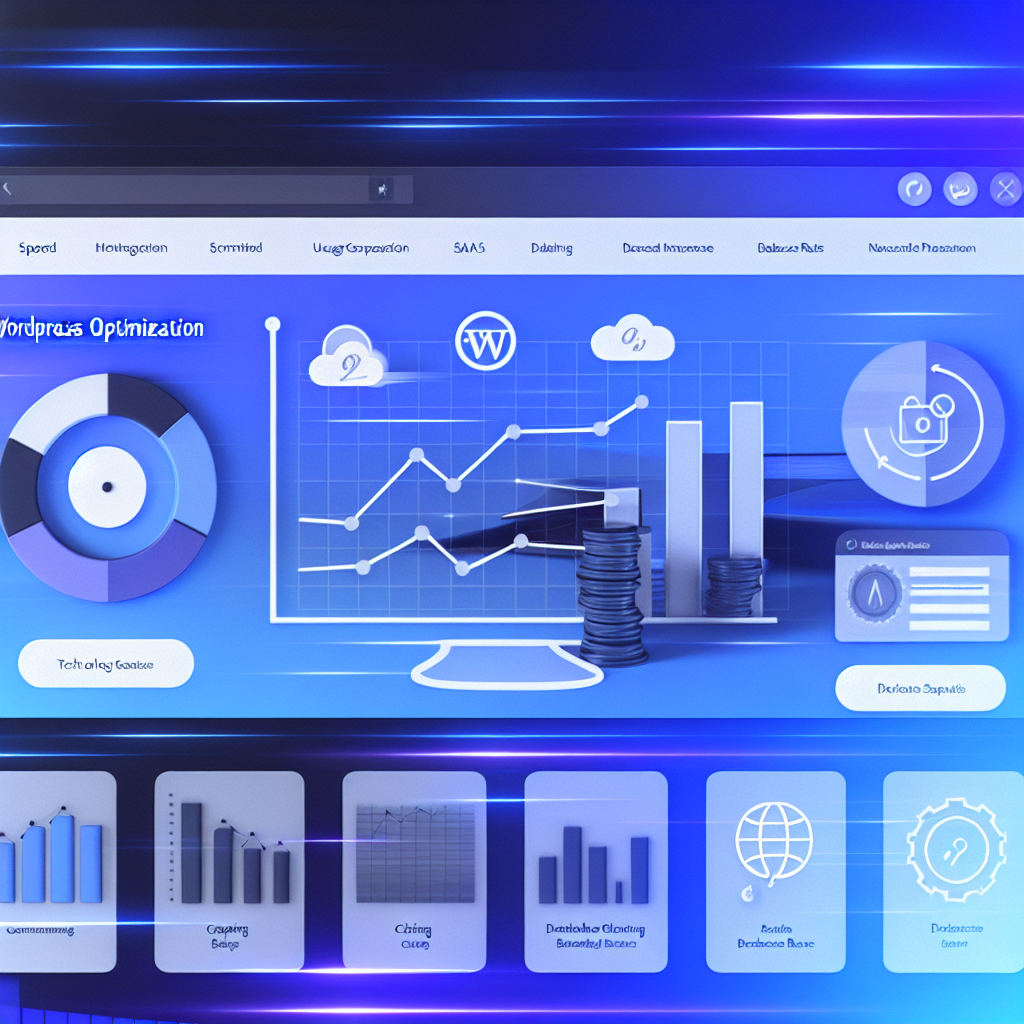
When it comes to enhancing website performance, WordPress optimization is crucial. Slow load times can drive visitors away and hurt your search rankings. Optimizing your WordPress site not only improves user experience but also boosts SEO and conversions. This guide highlights 10 essential tips to speed up your site effectively and ensure your visitors stay engaged.
Many WordPress sites suffer from sluggishness due to unoptimized images, excessive plugins, and poor hosting choices. Addressing these issues can significantly enhance page speed. Here are some practical steps to optimize your WordPress site:
- Choose a reliable hosting provider: Opt for managed WordPress hosting that offers fast servers and scalability.
- Use a lightweight theme: Complex themes can add unnecessary bloat. Select simple, well-coded themes for faster load times.
- Optimize images: Compress images without losing quality using tools like ShortPixel or Smush to reduce page size.
- Leverage caching: Implement caching plugins such as WP Rocket or W3 Total Cache to serve static files quickly to visitors.
- Minimize plugins: Deactivate and remove plugins that are not essential to avoid adding extra load to the server.
- Enable lazy loading: Lazy load images and videos to delay loading of off-screen media, speeding up initial page render.
- Use a Content Delivery Network (CDN): A CDN distributes your content globally to reduce latency and improve load times for distant users.
- Optimize your database: Regularly clean up post revisions, spam comments, and transient options using plugins like WP-Optimize.
By following these tips, you make your WordPress site leaner and faster, providing a better user experience and improved SEO rankings. Efficient WordPress optimization is an ongoing process but crucial to stay competitive.
In summary, speeding up your WordPress site enhances engagement and boosts your search engine visibility. Don’t let slow load times hold your website back. Optimize your site with Teamjuh AI solutions to leverage smart automation and expert techniques that deliver consistent speed improvements.
FAQ
How often should I optimize my WordPress site? It’s best to review and optimize your site quarterly to ensure plugins, themes, and databases stay efficient and your load times remain fast.
Can too many plugins slow down my WordPress site? Yes, excessive or poorly coded plugins increase server load and page size, which causes slower load times and impacts user experience.